AI Onboarding in 10 Steps (2026): How to Get Your Team Ready for AI Agents
Most companies don’t fail at AI technology. They fail at AI onboarding. I see it over and over: A company buys licenses, runs a training session, and three months later 80% of employees have stopped using the tool. Why? Because a two-hour workshop on prompt engineering doesn’t change behavior.
At neuroflash, we solved this differently. Every new team member configures their own AI system on day one. No lectures, no slide decks. Just learning by doing. And the result? After two weeks, our new colleagues work faster than some people who have been at the company for years.
In this article, I share the 10 steps we use to structure AI onboarding at neuroflash, and that you can adapt for your own team.
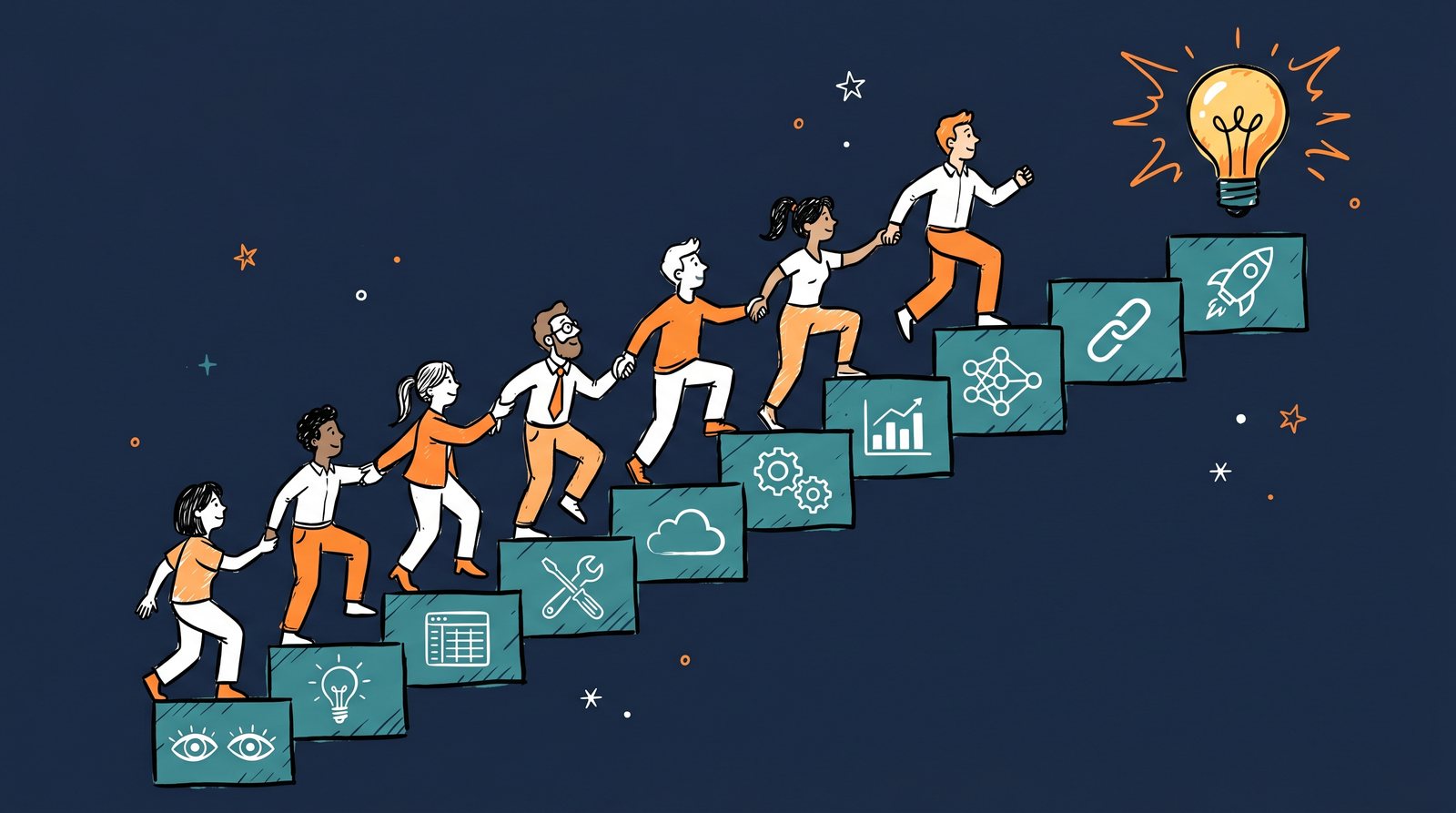
The 10 steps follow a deliberate order: first understanding (1–3), then tools (4–6), then productive use (7–10), skipping ahead almost always creates team resistance.
Why Do Most AI Rollouts Fail?
According to a McKinsey study on GenAI productivity, 72% of companies use generative AI, but only 28% report measurable productivity gains. The gap in between? Onboarding.
The problem is fundamental: Tool training is not the same as behavior change. When you show someone how a chatbot works, they learn an interface. But they don’t learn to change the way they work. It’s like explaining how to operate a car without talking about traffic rules, route planning, or defensive driving.
What we learned at neuroflash: AI onboarding has to be progressive. It has to happen on real tasks. And it has to change people’s habits. Not just expand their knowledge.
How Does AI Onboarding Work in 10 Steps?
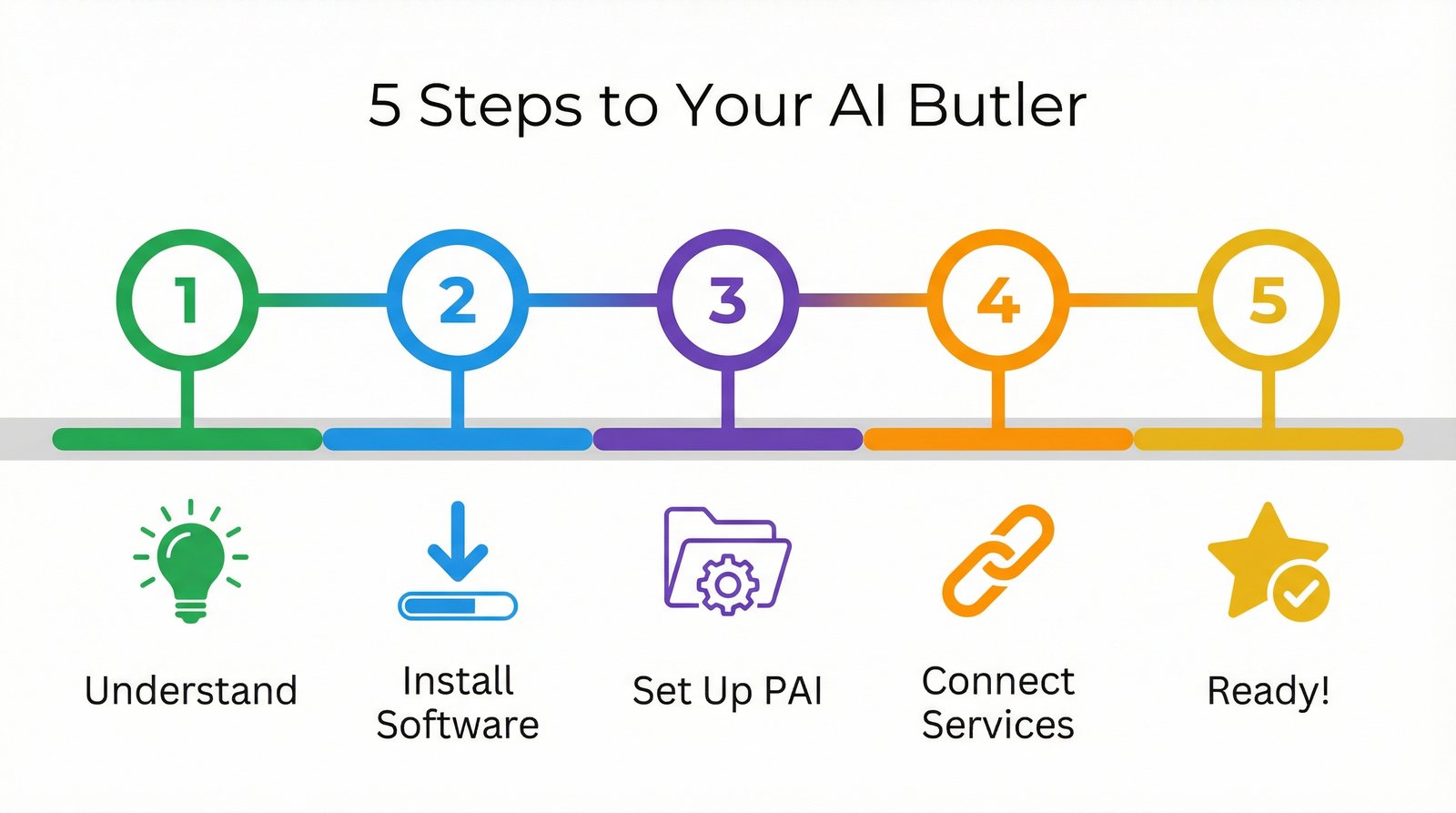
Our framework is deliberately gamified. Each step builds on the previous one, and complexity increases gradually. Here’s the process:
Step 1: Install the Software
Sounds trivial, but it’s not. Many AI rollouts fail because half the team never installs the tool. For us, the first step is: Get Claude Code (or your AI tool of choice) running on your own machine. Not as a demo on a test device. On your own work machine, with your own account.
Why this matters: The psychological barrier drops dramatically when the tool is already embedded in your daily workflow.
Step 2: Configure Your Personal Instructions
Most people use AI like an anonymous Google: without context. In step 2, every team member creates a personal profile: Who am I? How do I work? What are my preferences? What abbreviations do I use?
The result: The AI understands you from day 1 better than a new colleague would after three months. And in the process, you learn what sets an AI Operating System apart from a simple chatbot.
Step 3: Your First Voice Transcription
This is where the first real mindshift happens. Instead of typing an email, you simply speak it. The AI transcribes, structures, and refines. The result: You’re roughly 3x faster than typing, and the quality is often higher because you think more naturally when speaking freely.
The takeaway for the team: AI is not a writing tool. AI is a thinking tool.
Step 4: Automate Email Triage
Now it gets practical. In step 4, you learn to handle your daily email flood with AI support. The AI categorizes incoming messages, suggests replies, and prioritizes. This saves an average of 30-45 minutes per day, and that’s the moment when most skeptical team members become convinced.
Step 5: Research a Real Topic with AI
No toy examples: a real project. Every new team member gets the task of researching a current work topic with AI support. The target: Deliver a result in 30 minutes that would have previously taken half a day.
This step impressively demonstrates that AI doesn’t just help with repetitive tasks, but also with complex, creative thinking.
Step 6: Build Your First Skill
Now it gets exciting. A “skill” in our system is a documented, repeatable workflow. For example: “How I create a client briefing” or “How I analyze competitive data.” You document the process so the AI can execute it automatically next time.
The beauty of it: You don’t just learn AI. You reflect on your own processes and optimize them.
Step 7: Create Your First Entity
An entity is a structured knowledge document about a person, a company, or a project. Instead of the AI starting from scratch with every request, it has access to your accumulated knowledge. You create a profile for your most important client, for example, and from that point on, the AI knows the context.
Step 8: Share a Skill with a Colleague
Knowledge that isn’t shared is wasted knowledge. In step 8, you pass one of your skills on to a colleague. This has two effects: First, best practices spread across the team. Second, you learn to document your workflows in a way that others can follow.
Step 9: Measure Your Time Savings
What isn’t measured doesn’t get improved. In step 9, you track for one week how much time you save with AI support. At neuroflash, we see an average of 5-8 hours per week, that’s 25-40% of working time.
This number isn’t just relevant for management. It motivates the users themselves, because the value becomes tangible.
Step 10: Teach the AI Something New About You
The final step closes the loop. You go back to your personal instructions from step 2 and expand them. What have you learned in the past few days? Which preferences have crystallized? What new shortcuts do you use?
This step makes clear: AI onboarding is not a one-time event. It’s a continuous process of co-evolution between human and machine.
Why Does Gamification Work in AI Onboarding?
We deliberately structured our AI onboarding like a game. Each completed step earns experience points (XP), and there are levels and milestones. That may sound like gimmickry, but the psychology behind it is solid.
Gamification works through three mechanisms: a sense of progress (you can see how far you’ve come), social comparison (where do I stand compared to my colleagues?), and intrinsic motivation (every step delivers a concrete, useful result).
At neuroflash, we see that gamified onboarding reduces time-to-productivity by about 60%, compared to traditional training formats.
What Adoption Curve Should You Realistically Expect?
One honest word before we wrap up. Even with the best onboarding, you won’t turn 100% of your team into power users. And that’s perfectly fine.
Our experience shows a consistent 20/60/20 split: roughly 20% become power users, 60% become regular users, and 20% stay skeptics: no matter how good the onboarding is.
- 20% Power Users: These people will integrate AI into every aspect of their work. They build their own skills, experiment constantly, and become internal multipliers.
- 60% Regular Users: They use AI for specific, recurring tasks. Email, research, copywriting. Solid productivity gains, but no revolution.
- 20% Skeptics: They remain cautious, using AI minimally or not at all. This isn’t a failure of your onboarding, it’s human nature. Pressure doesn’t help here. What helps: Patience and leading by example through colleagues.
The crucial point: If 80% of your team uses AI regularly, you’re miles ahead of most companies.
Frequently Asked Questions
How do I onboard my team for AI agents?
Start with a specific use case that delivers quick results. Define clear roles for the AI agent and train your team on usage and, more importantly, on thinking with AI. Crafting good prompts and evaluating outputs critically.
What is the best way to introduce AI in a company?
The best approach is step-by-step onboarding: build understanding first, then start a pilot project, measure results, and scale. The key is letting the team experience the value firsthand rather than just hearing about it.
How do I overcome my team’s resistance to AI?
Resistance usually stems from uncertainty. Show concrete time savings with real examples from your team’s daily work. Let employees experiment themselves and celebrate early wins visibly. That builds trust faster than any presentation.
What is AI onboarding?
AI onboarding is the structured process of turning AI tool access into changed daily work behavior, not just software training. At neuroflash we treat it as behavior design, not an IT project. Done well, it can cut time-to-productivity by about 60% compared to traditional training formats.
How long does AI onboarding take?
Most teams reach a stable adoption pattern within a few weeks, settling into a consistent 20/60/20 split: about 20% become power users quickly, 60% become regular users for specific recurring tasks, and roughly 20% stay skeptical regardless of timeline. If 80% of your team uses AI regularly, you’re already ahead of most companies.
Who gives keynotes on AI onboarding and adoption?
Dr. Jonathan Mall, a cognitive neuropsychologist and CIO of neuroflash, speaks on AI onboarding and adoption at corporate events, combining behavior-design research with live Digital-Twin demos. You can request him as an AI keynote speaker for your next event.
Conclusion: AI Onboarding Is Behavior Design
The most important lesson from three years of AI work at neuroflash: AI onboarding is not an IT project. It’s behavior design. You’re not changing a tool. You’re changing how people work and think.
The 10 steps I’ve described are not a rigid recipe. They’re a framework you can adapt to your team, your industry, and your culture. What matters is the principle: progressive, practical, and anchored in real tasks.
Don’t start with a big rollout. Start with one person. Then one team. And let the results speak for themselves.
Sources & Further Reading
- McKinsey: The State of AI. GenAI Productivity Study
- Anthropic: Claude Code Documentation
- From Chatbot to AI Operating System. Jonathan Mall
- AI keynote speaker pricing 2026
Looking for an AI keynote speaker for your 2026 event?
Live Digital-Twin demos, neuroscience-grounded content, in English, German, or Dutch. Drop a line. We’ll confirm fit within 24 hours.
About the Author: Dr. Jonathan T. Mall is a cognitive neuropsychologist, CIO, and co-founder of neuroflash. He develops AI-powered systems for Predictive Audience Intelligence and speaks regularly about the intersection of psychology, AI, and productivity. Contact: jonathanmall.com · LinkedIn.